Activities
The Activities page is the hub for everything your AI agents have done. It’s organized into three tabs: Sessions, Plans, and Memories.
Sessions
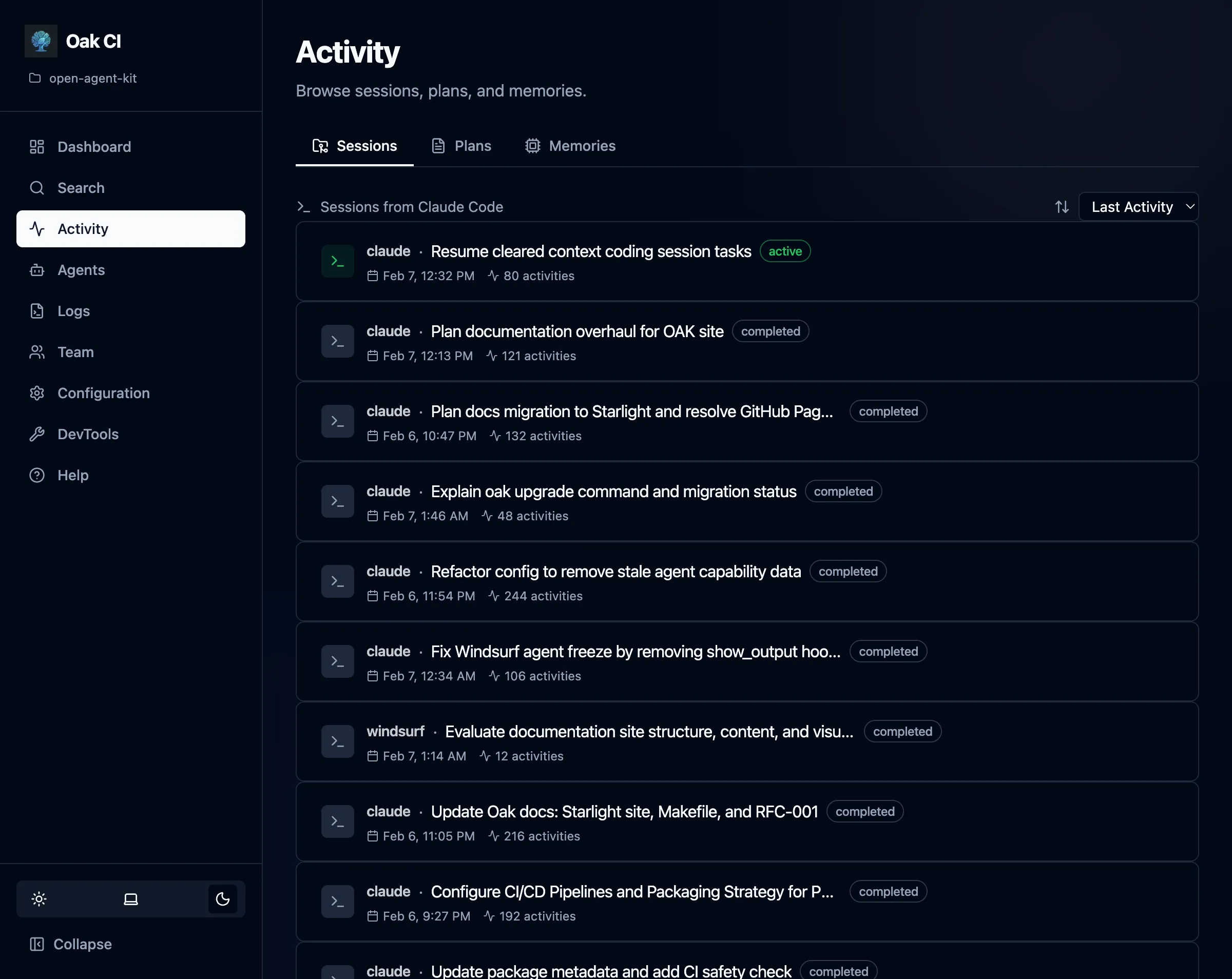
Section titled “Sessions”Every interaction with an AI coding agent is tracked as a session. The sessions list shows:
- Title and status — Auto-generated titles with status badges (active, completed, stale)
- Activity count — How many tool executions, prompts, and outputs were captured
- Agent — Which coding agent (Claude, Cursor, Codex, etc.) created the session
- Timestamps — When the session started and was last active
Session Detail
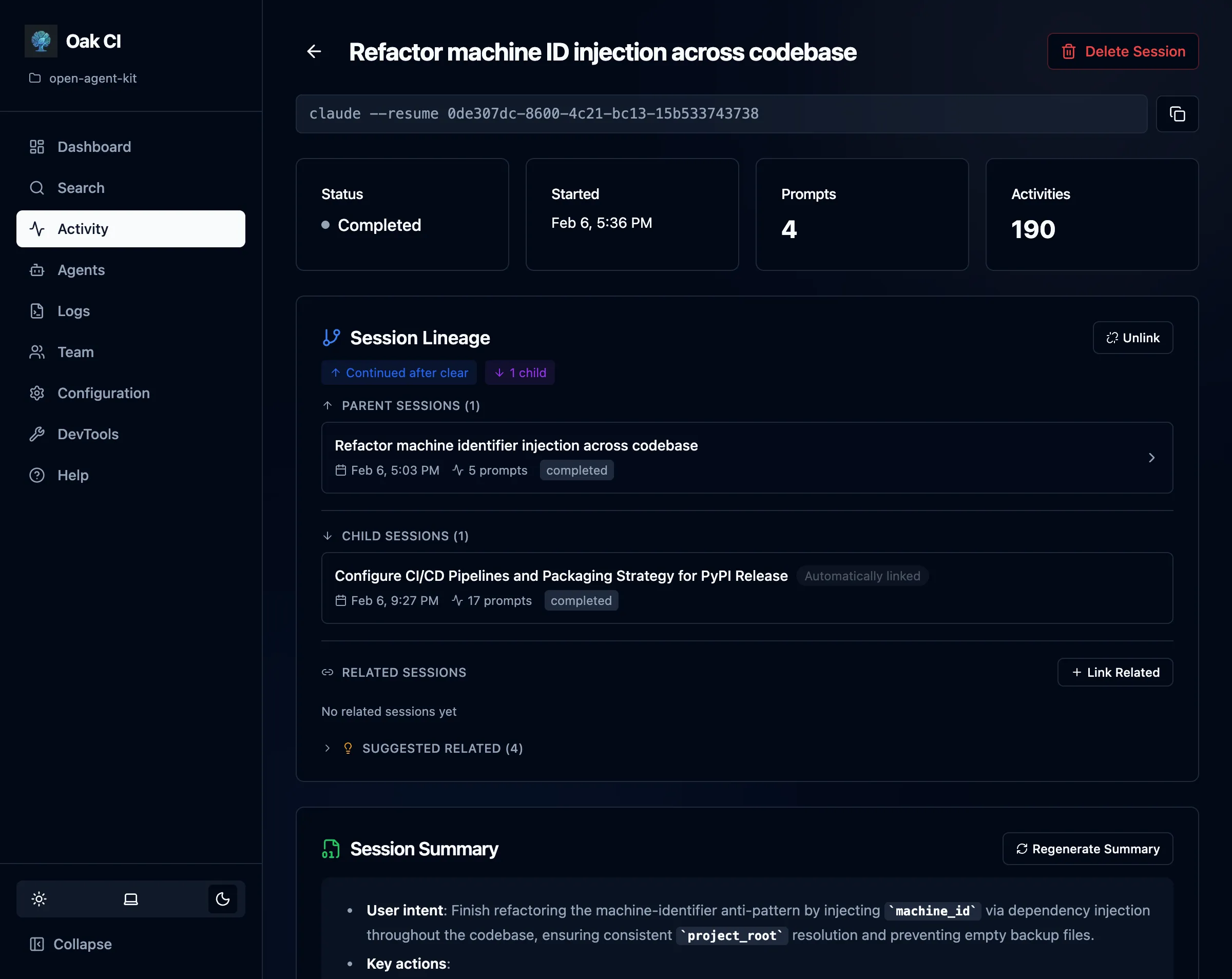
Section titled “Session Detail”Click into any session to see its full timeline:
- Prompt batches — Each user prompt and the agent’s response, with classification labels
- Tool executions — Individual tool calls (file reads, writes, searches, etc.) with timing
- Session lineage — Parent-child relationships when sessions spawn sub-agents or compact/resume cycles
- Related sessions — Sessions working on similar tasks, detected automatically or linked manually
Session Actions
Section titled “Session Actions”- Complete — Manually mark a session as completed
- Regenerate summary — Re-run the LLM summarizer on a session
- Link/unlink parent — Manage session lineage relationships
- Delete — Remove a session and all its data (cascading)
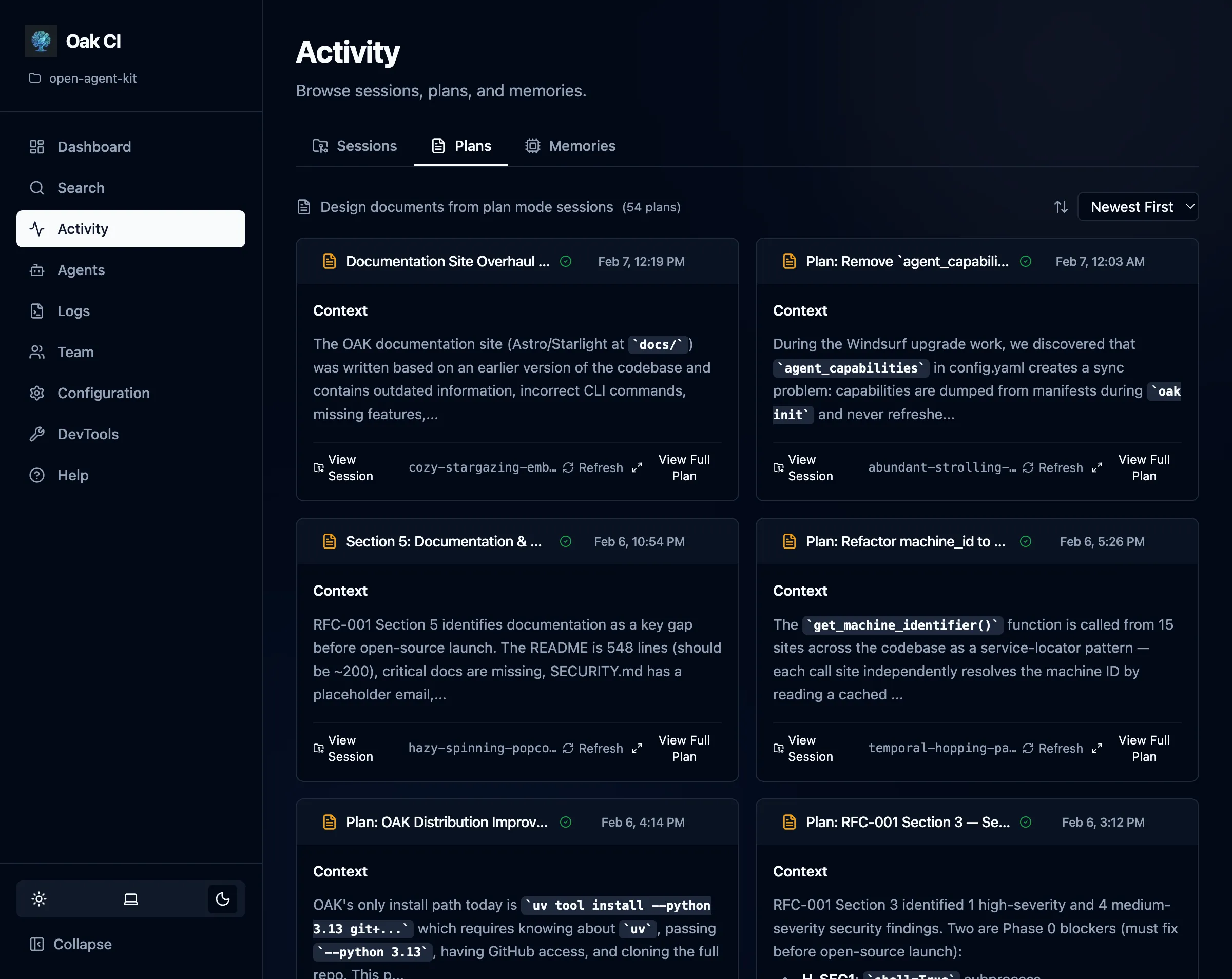
Browse implementation plans captured during agent sessions. Plans are detected from plan mode files (.claude/plans/, .cursor/plans/, etc.) and stored alongside the session that created them.
- Plan list — All captured plans with title, associated session, and timestamp
- Rendered markdown — Click into a plan to see its full content rendered as markdown
- Refresh from source — If the plan file still exists on disk, refresh to pick up any changes
Memories
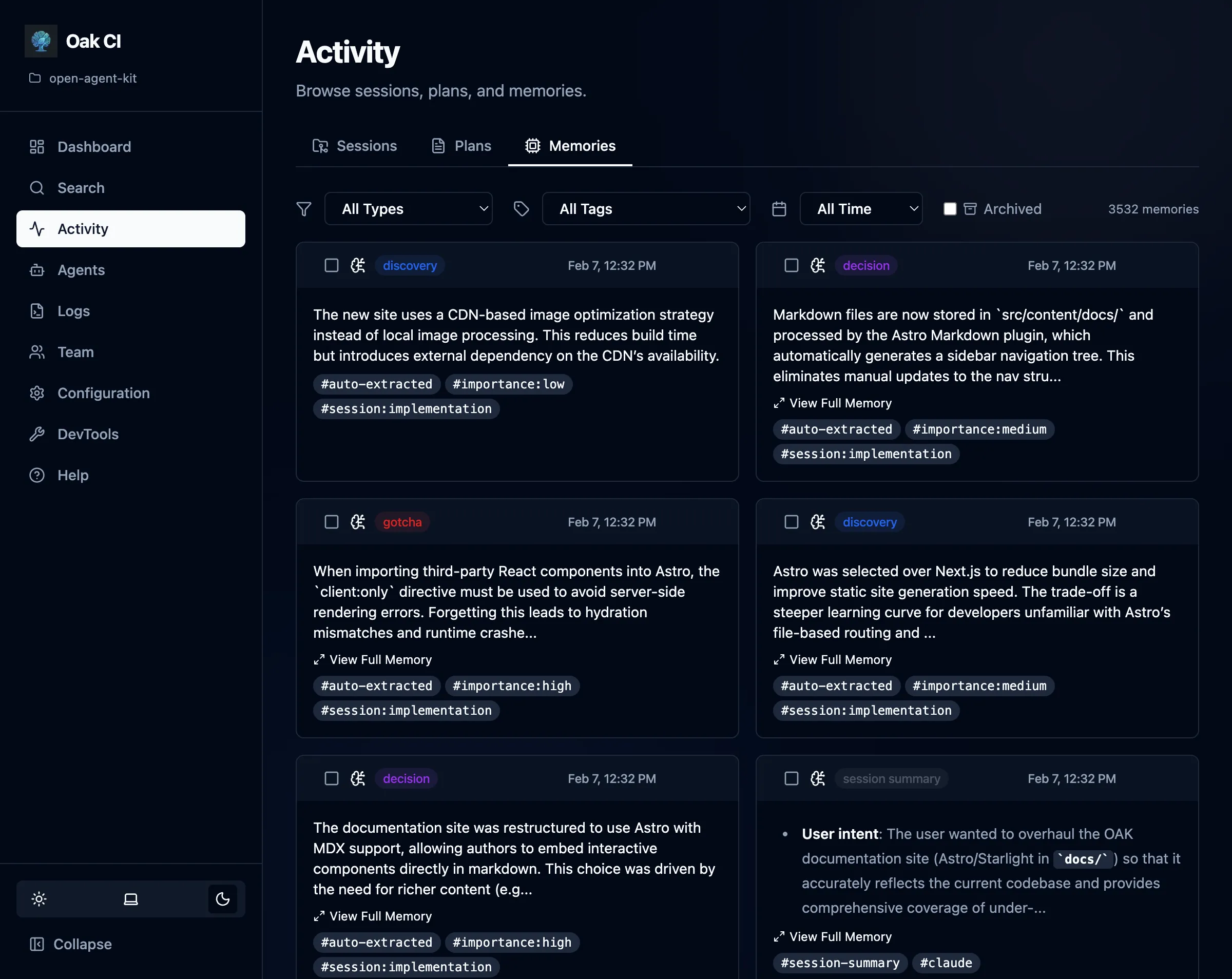
Section titled “Memories”View, search, and manage all stored observations across your project.
Filtering
Section titled “Filtering”- By type — Filter by memory type:
gotcha,bug_fix,decision,discovery,trade_off,session_summary - By status — Filter by lifecycle status:
active(default),resolved,superseded. By default, only active observations are shown. - By tags — Filter by user-assigned tags for organization
Memory Actions
Section titled “Memory Actions”- Resolve — Mark an observation as resolved when the issue it describes has been addressed. Resolved observations are hidden from default search results but preserved for historical context. Agents can also resolve observations via the
oak_resolve_memoryMCP tool. - Archive / Unarchive — Soft-hide a memory from the active list. Archived memories are preserved in the database and can be restored at any time. This is not a delete — it’s a way to reduce noise while keeping the data safe.
- Delete — Permanently remove a memory
- Bulk actions — Select multiple memories for batch delete, archive, resolve, or tag management